File Discrepancy Dialog in IntelliJ
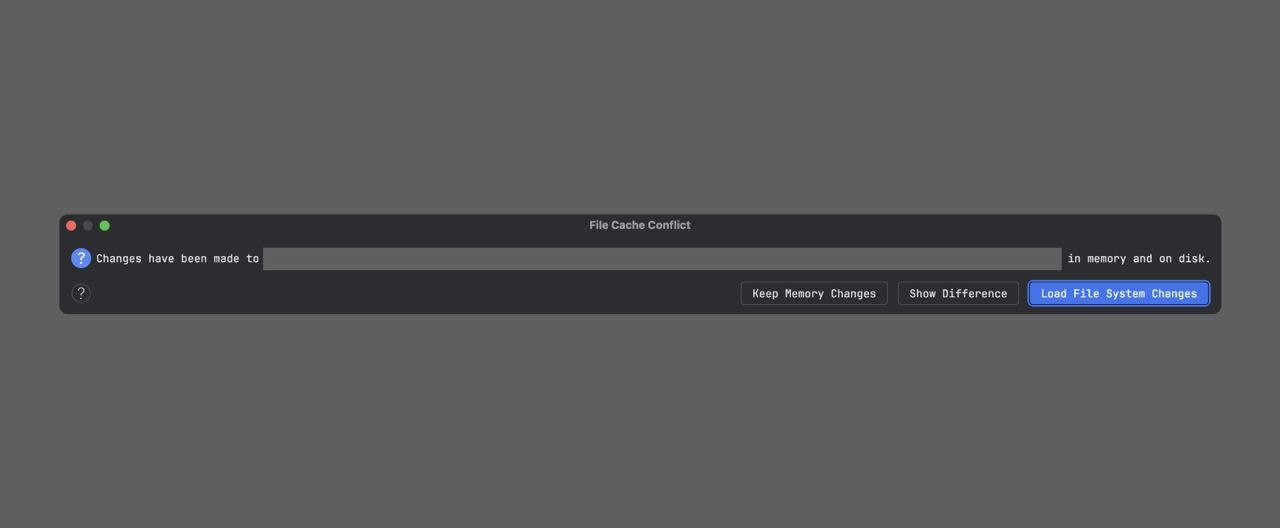
One of the funniest features of IntelliJ is this dialog about the discrepancy between the file content in memory and on disk. And it appears at the most unexpected moments. Right now, for example, I just cherry-picked changes from another commit. In another similar situation, this might not happen.
How this happens is an open question for me. Unlike other editors, there's no explicit save file button here. So by default I think that any change in the IDE keeps the file up to date. If it's running and in the foreground, then it can't be more up to date. Consequently, any next change there inside the IDE will just roll changes on top. I would understand if I changed the same file in a conditional notepad while the IDE was in the background, but here I did everything through it without minimizing. Even more, I tested, changing the file in another editor doesn't lead to it.
And the funniest thing is that in the absolute majority of cases I don't even know which version is correct - in memory or on disk. In my head there's one correct version, and it's a consequence of my last action. So almost always I press a random button.